Welcome to the Computer Lab
This presentation introduces you to the amazing world of the computer lab. Get ready to explore all the exciting hardware, software, and operating systems available to you.
Hardware at the Computer Lab
Desktop Computers
Powerful desktop computers loaded with the latest software.
Laptops
If you prefer to work remotely, bring your laptop and make use of the free Wi-Fi.
Printers and Scanners
Want to print a document or scan an image? Our lab's got you covered.
Audiovisual Equipment
Need to do a presentation? Check out our selection of audiovisual equipment.
Software at the Computer Lab
Adobe Creative Suite
Design graphics, edit photos, and create videos with Photoshop, InDesign, and Premiere Pro.
Web Development Tools
The lab provides a range of web development tools including Dreamweaver, Visual Studio, and Notepad++.
Microsoft Office Suite
The lab provides free access to Word, Excel, and PowerPoint.
Programming Languages
Explore a variety of programming languages like Python, Java, and C.
Operating Systems at the Computer Lab

Windows 10
The lab computers run on Windows 10. Learn how to navigate the latest operating system.

macOS
The Mac computers run on the latest version of macOS, so you can explore the world of Apple.
Linux
Curious about the alternative operating system? Try it out in the lab.
Scheduling and Reservations

Lab Rules and Guidelines
Food and Drinks
Food and drinks are prohibited inside the computer lab to keep the equipment clean and safe.
Personal Belongings
Store your personal belongings in the lockers provided in the lab.
Proper Usage
The lab is for academic and research purposes only.
Technical Support and Resources

Help Desk
If you encounter any technical issues, visit our help desk located inside the lab.
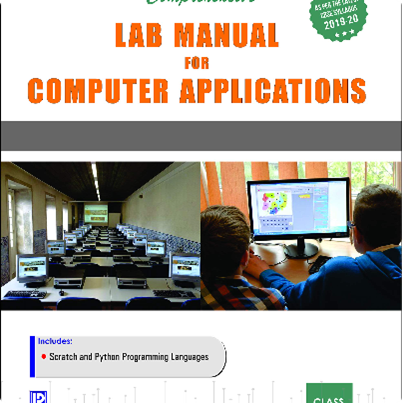
Resources
We provide a range of print and digital resources to help you make the most of the lab.
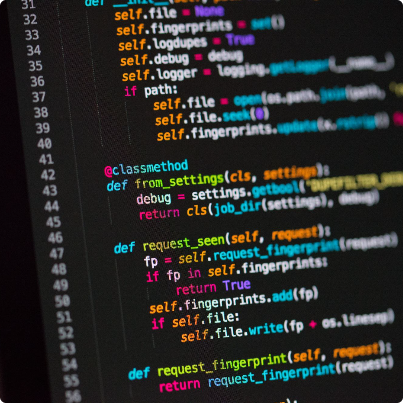
Tutorials and Workshops
Attend our workshops and tutorials to enhance your technical skills.
Conclusion and Next Steps
Discover
We hope you've learned something new today and are excited to explore the computer lab.
Join the Community
Connect with the computer lab community through events and workshops.
Feedback
We're always looking for feedback to improve the lab experience. Email us with your suggestions.